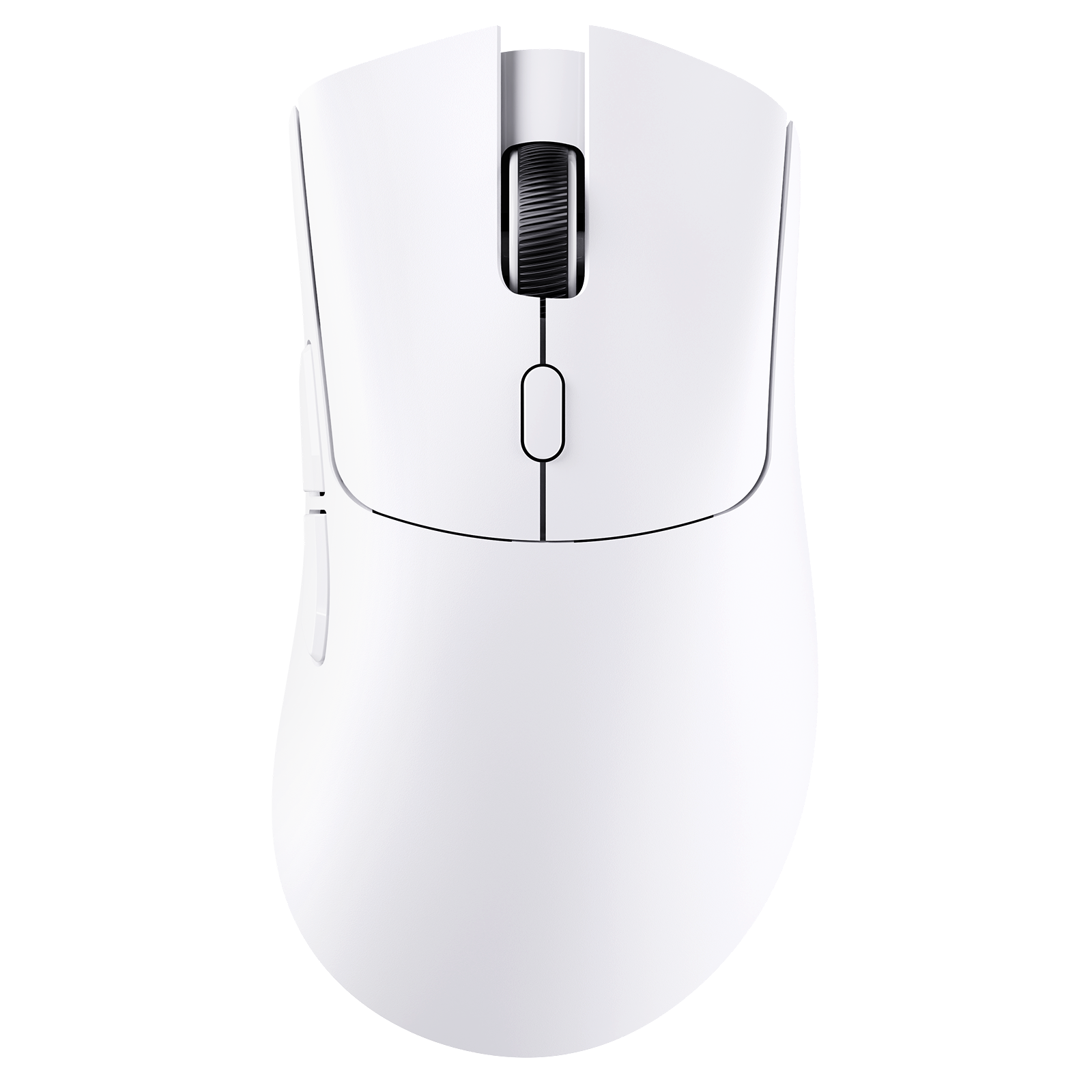
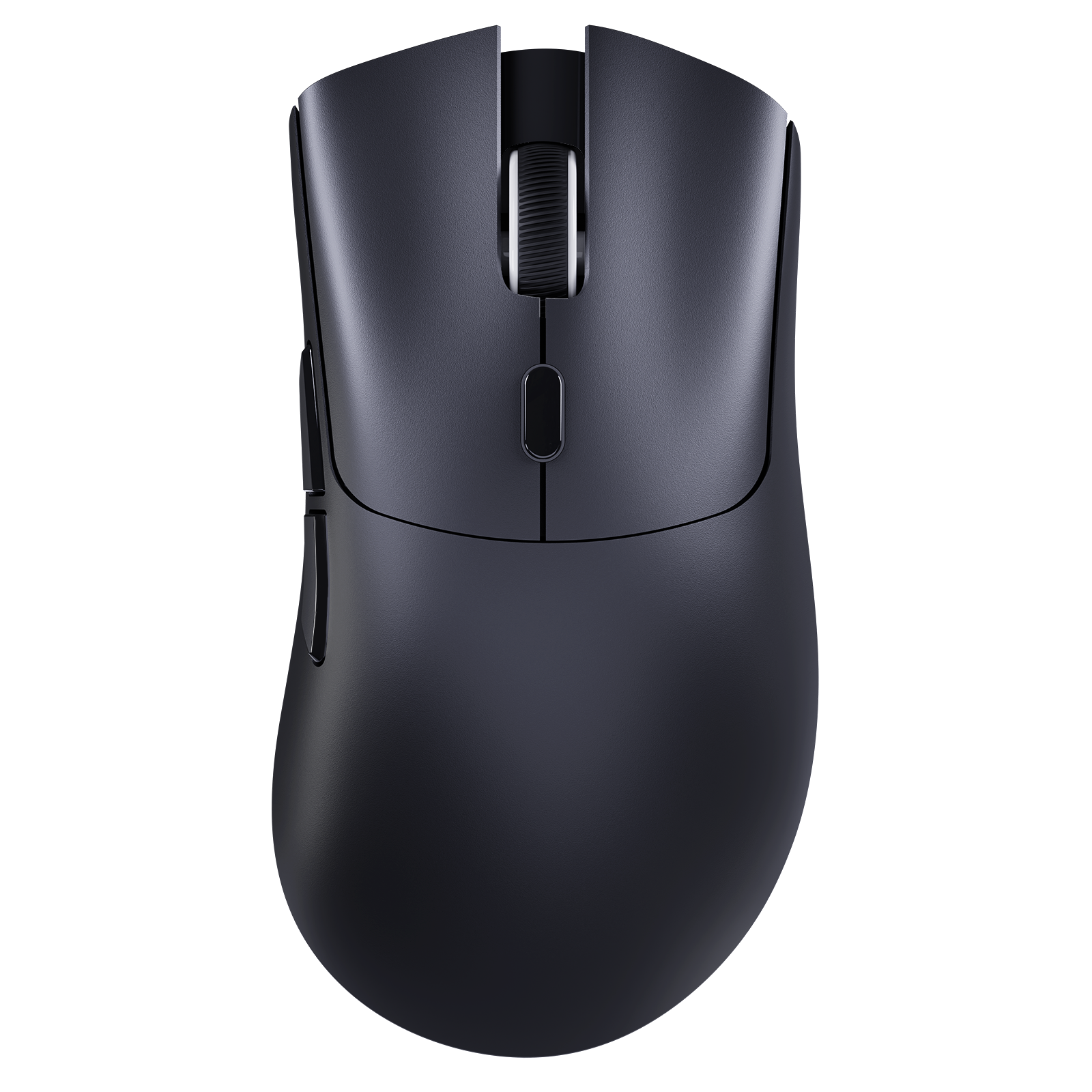
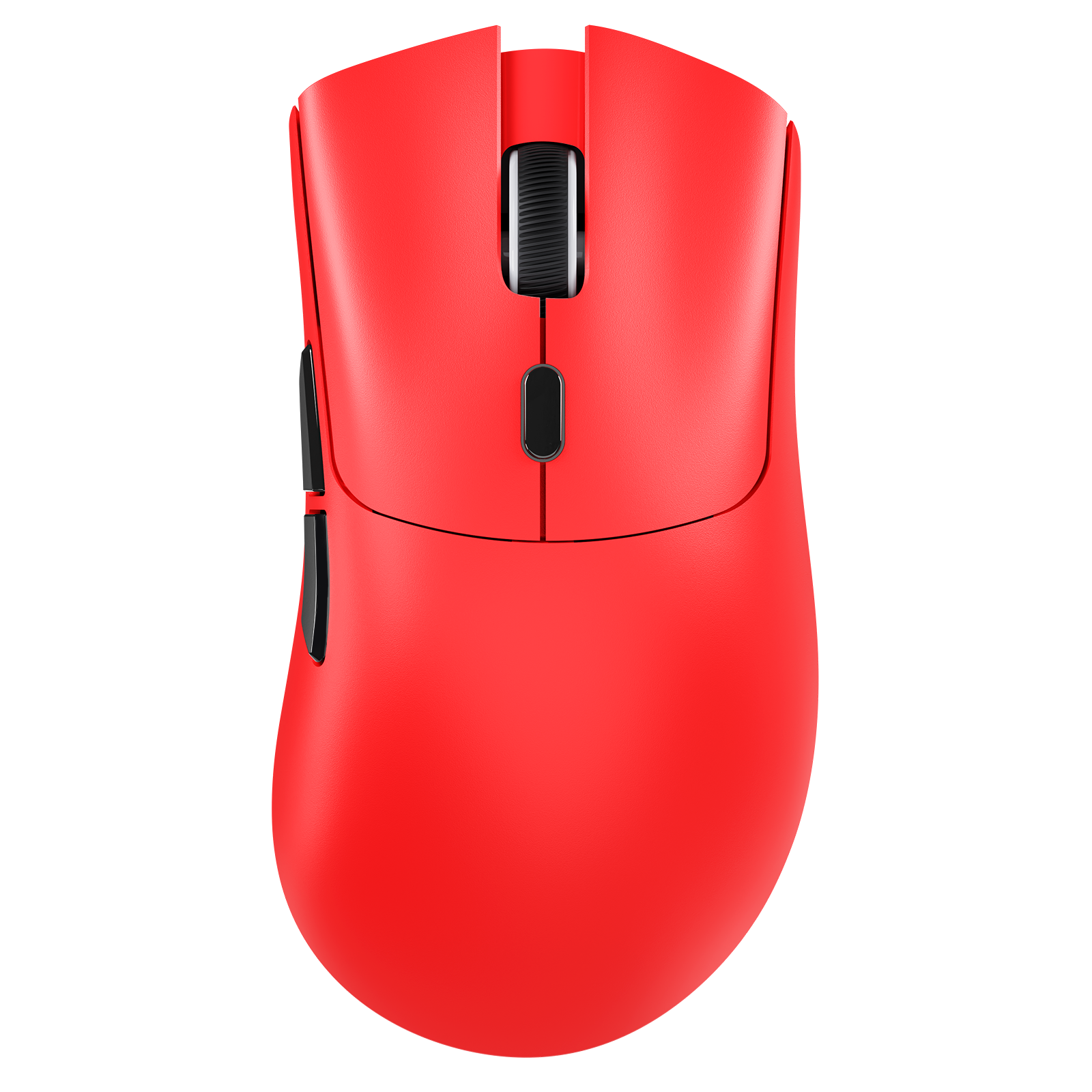
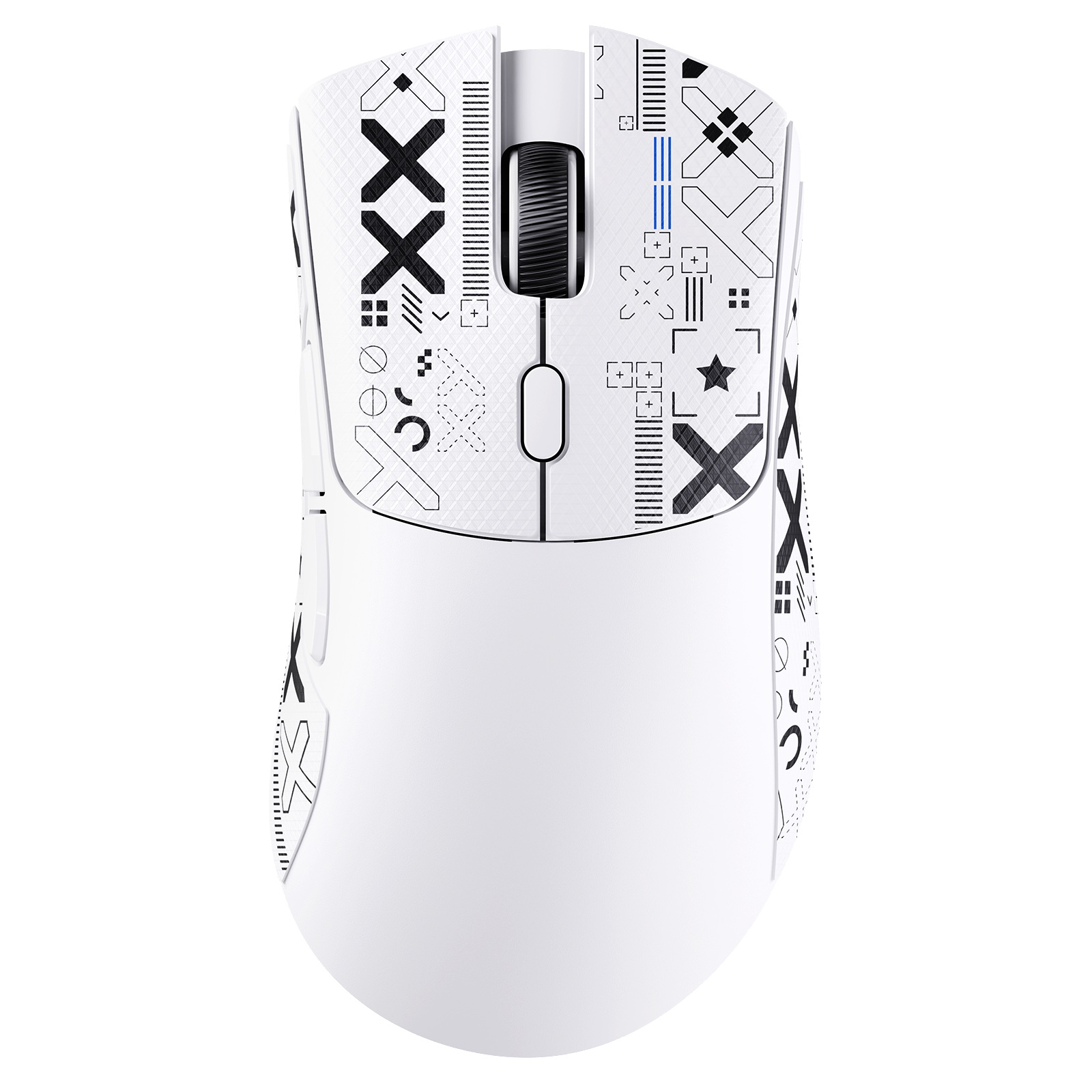
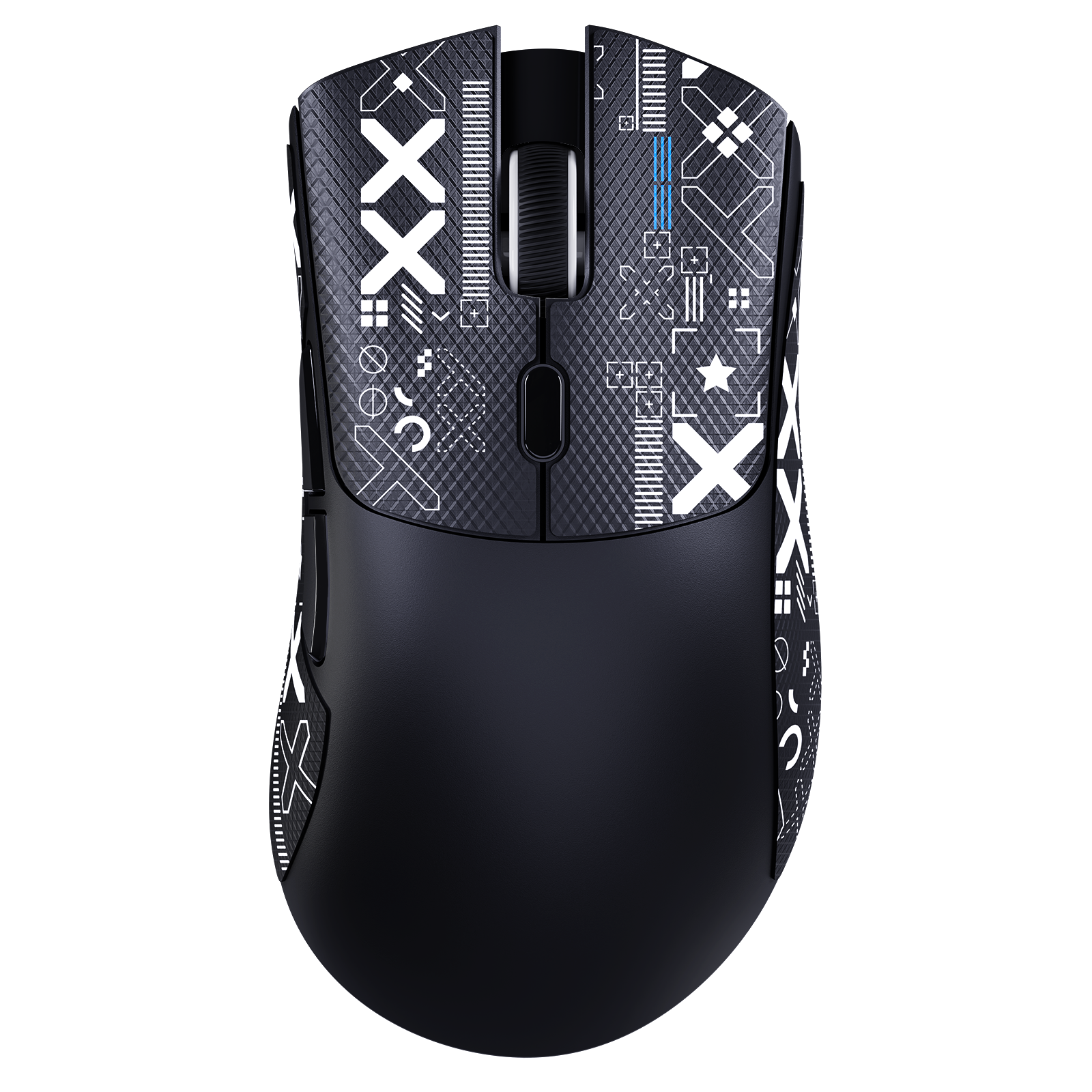
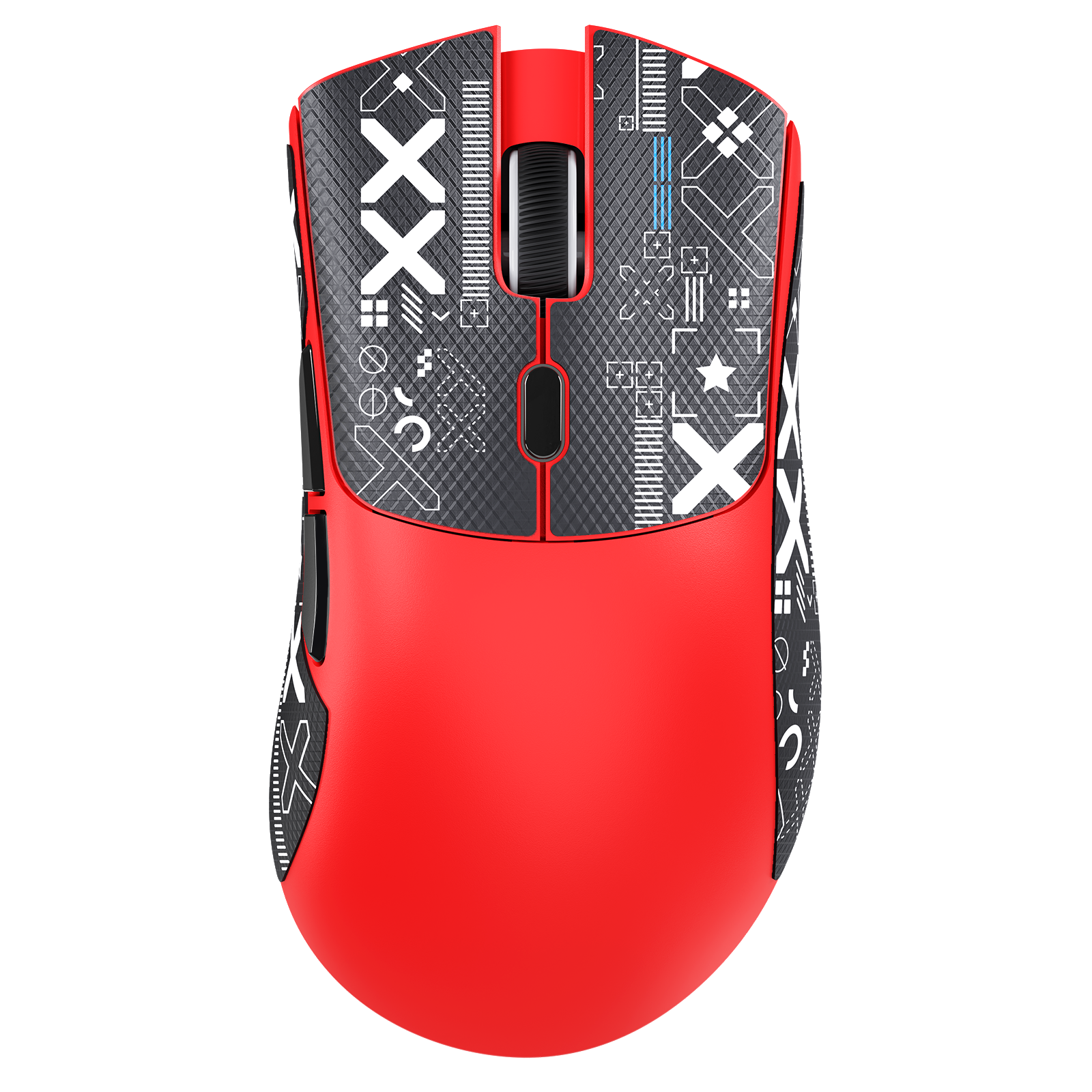
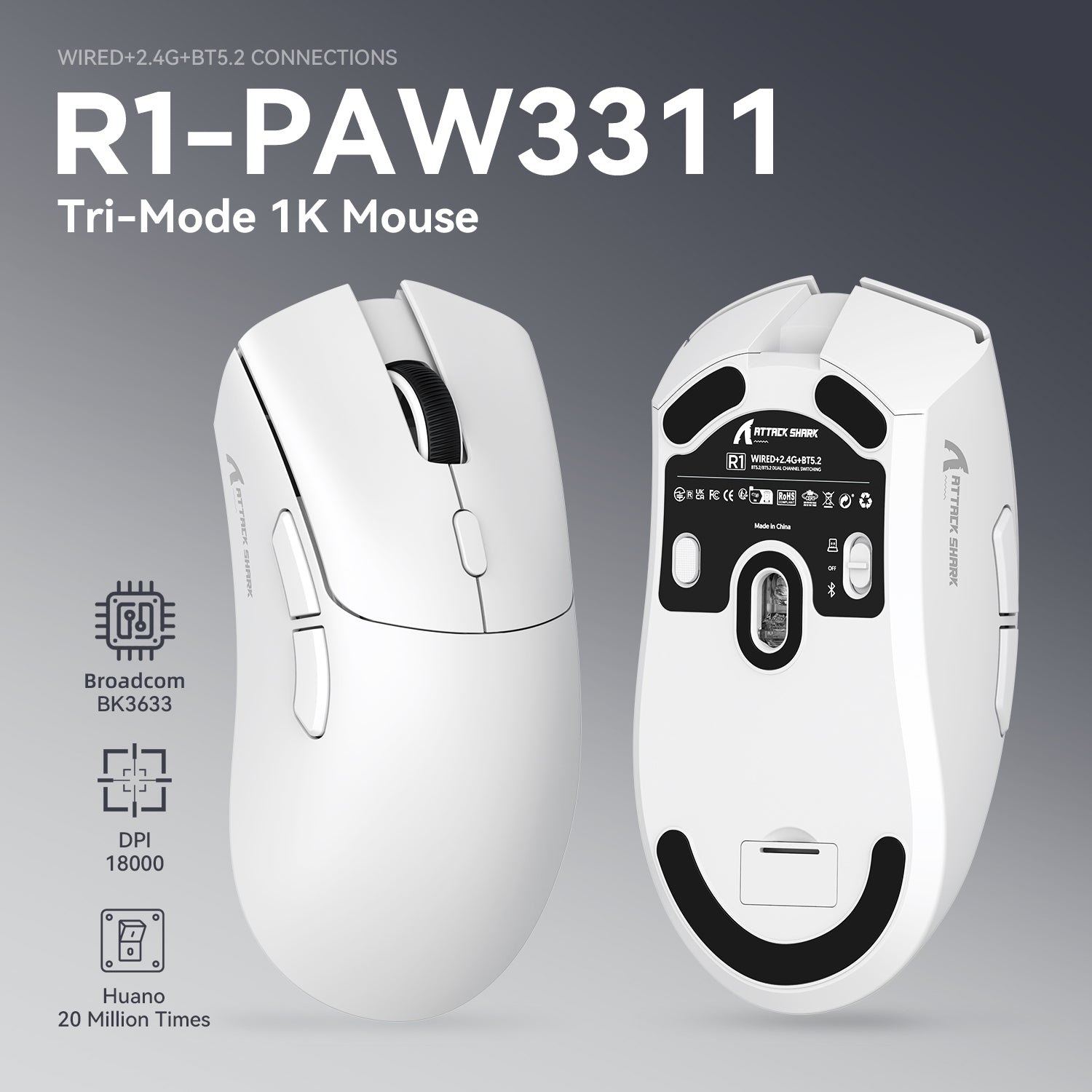
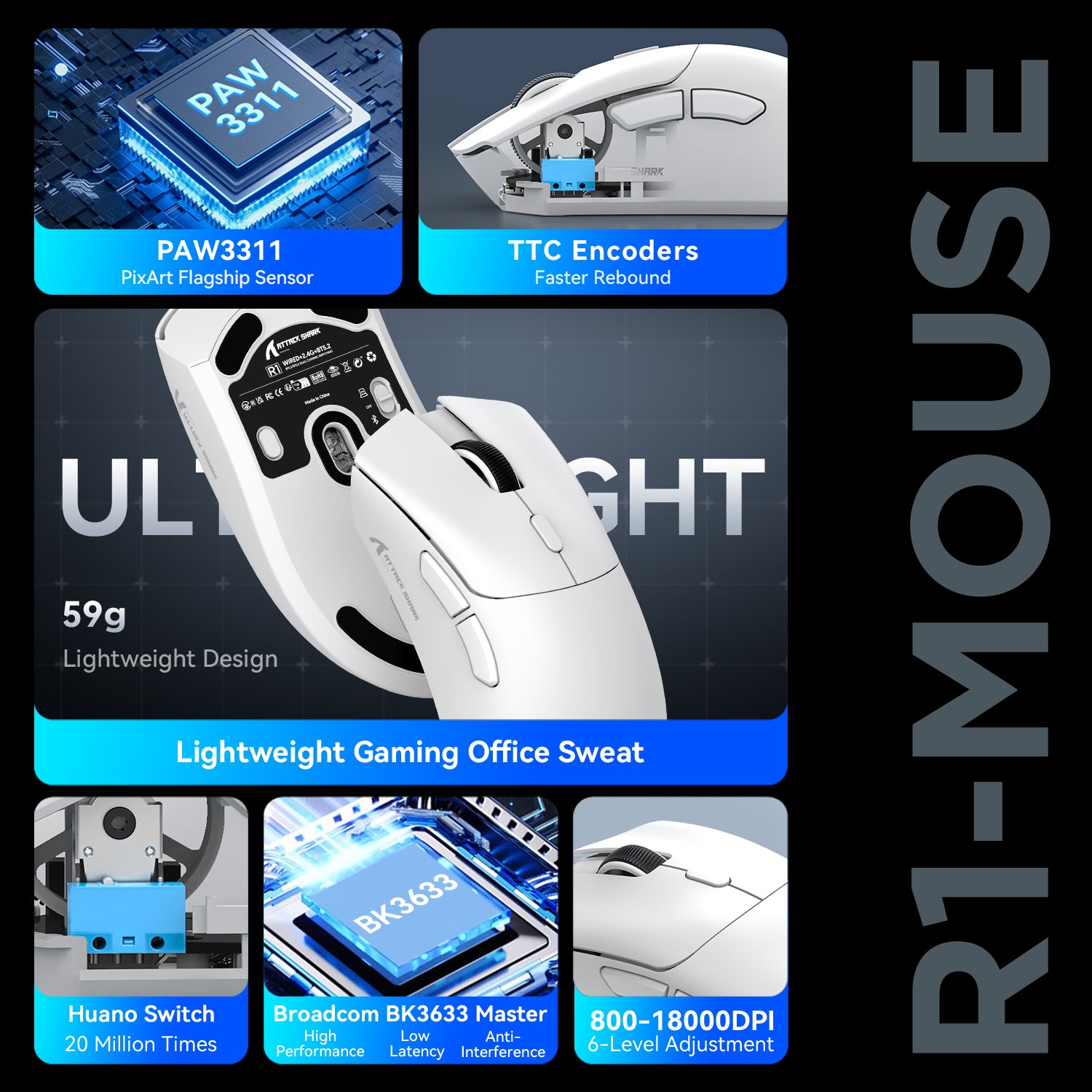
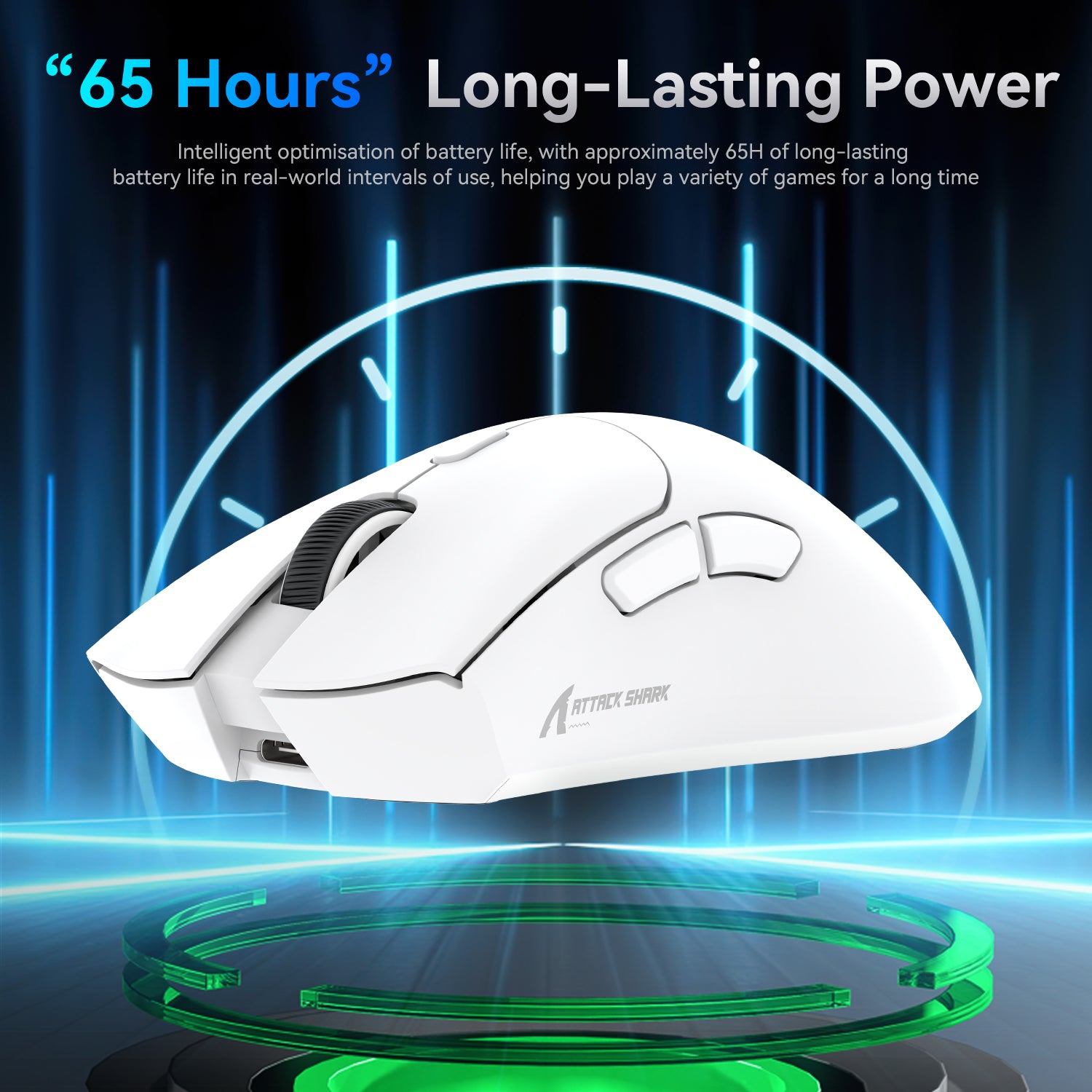
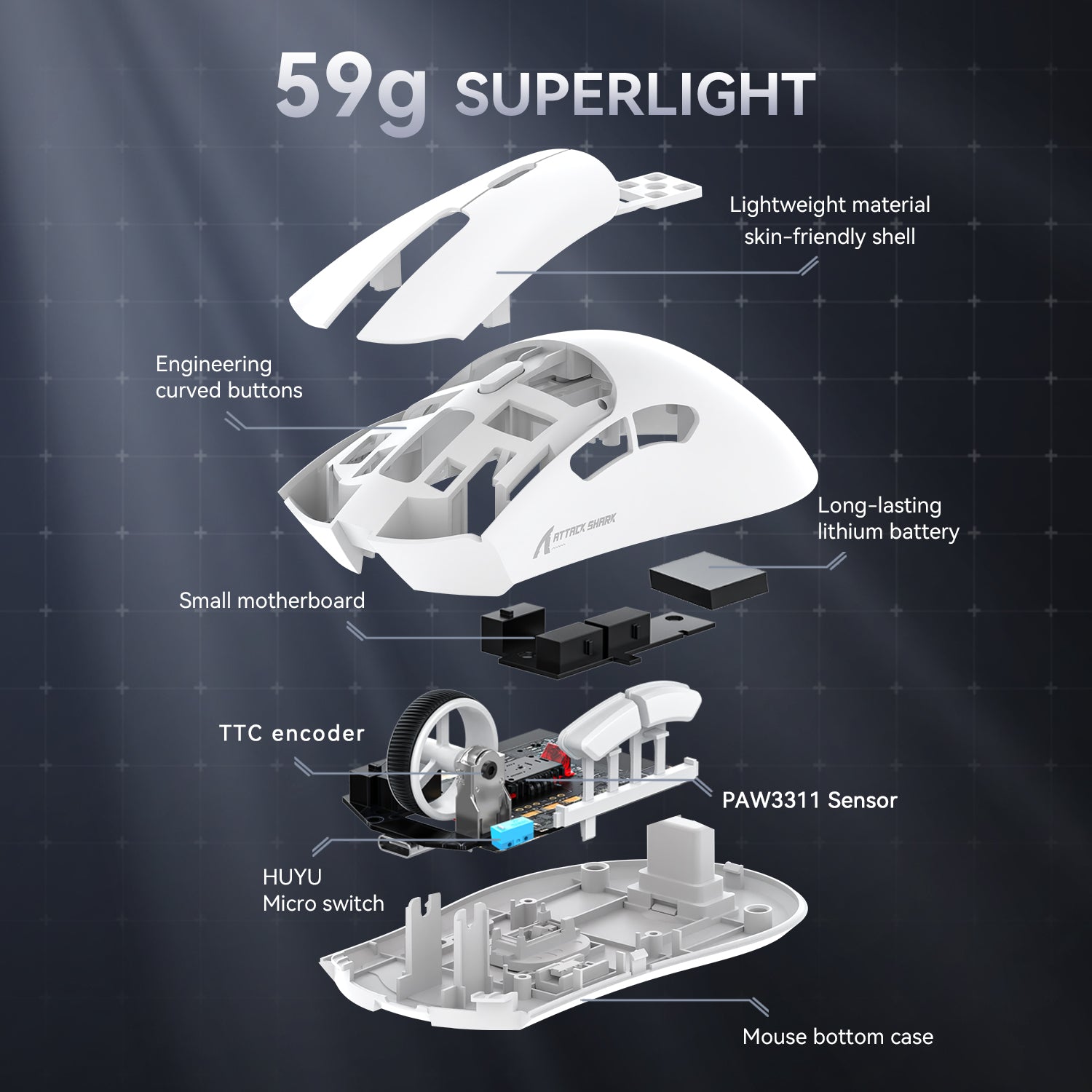
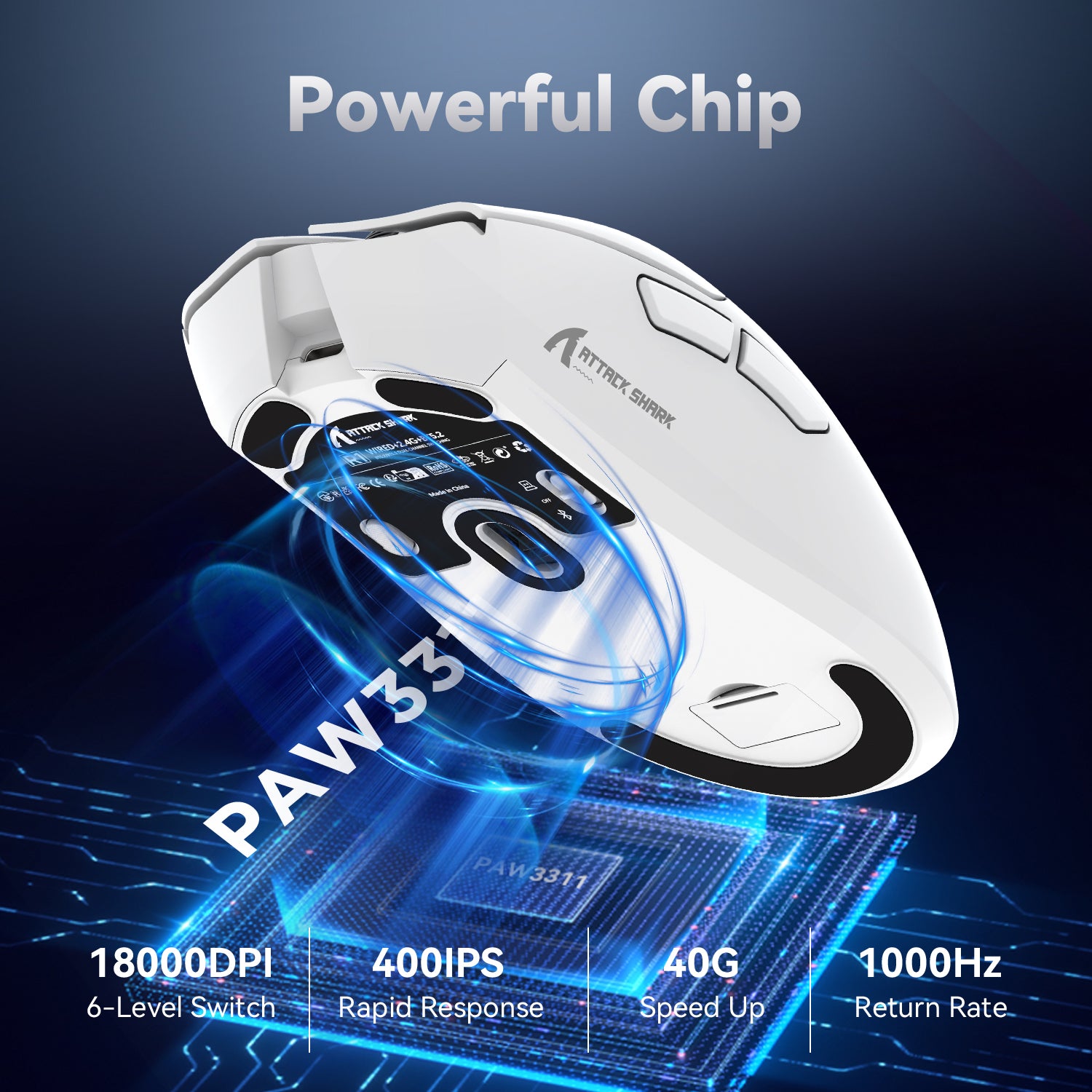
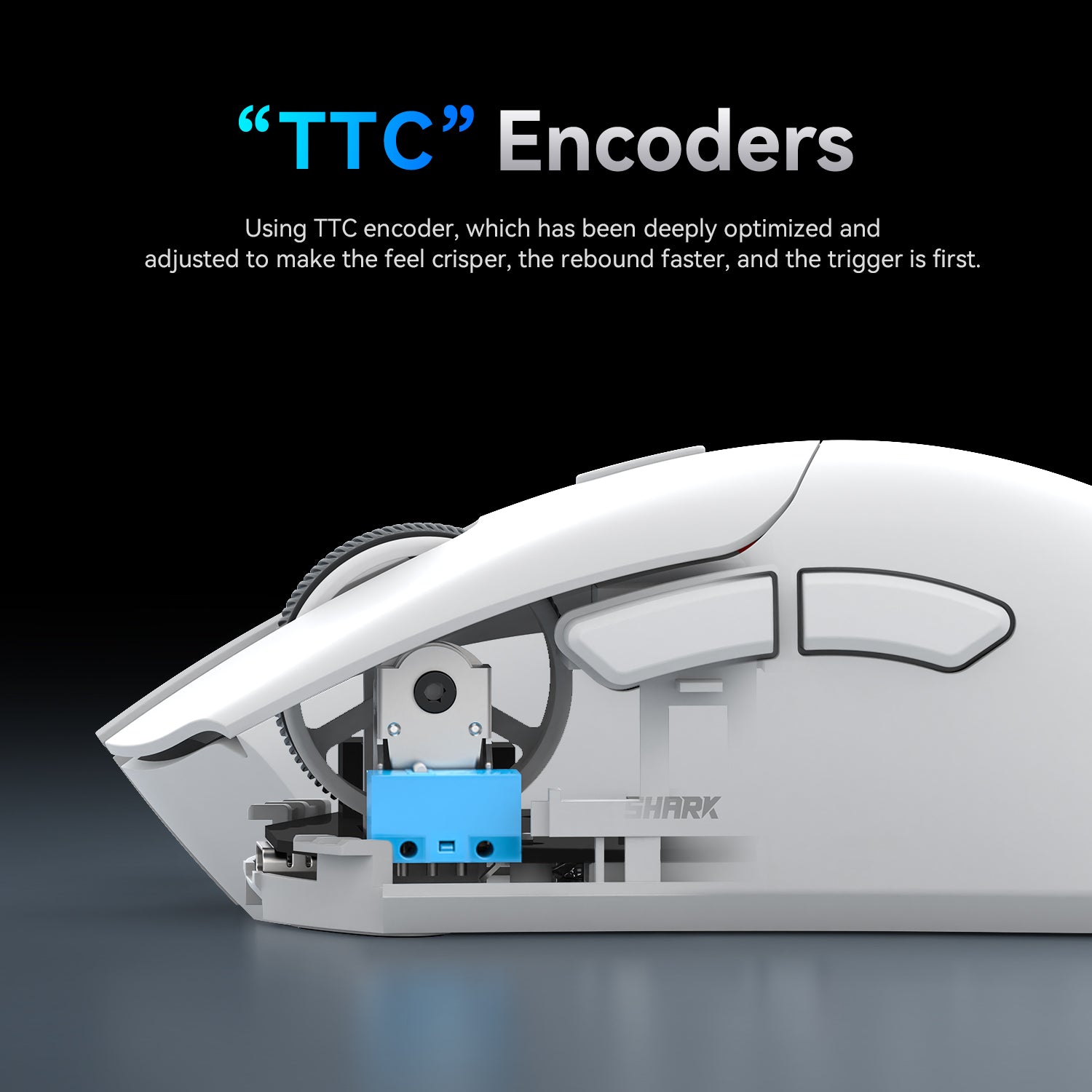
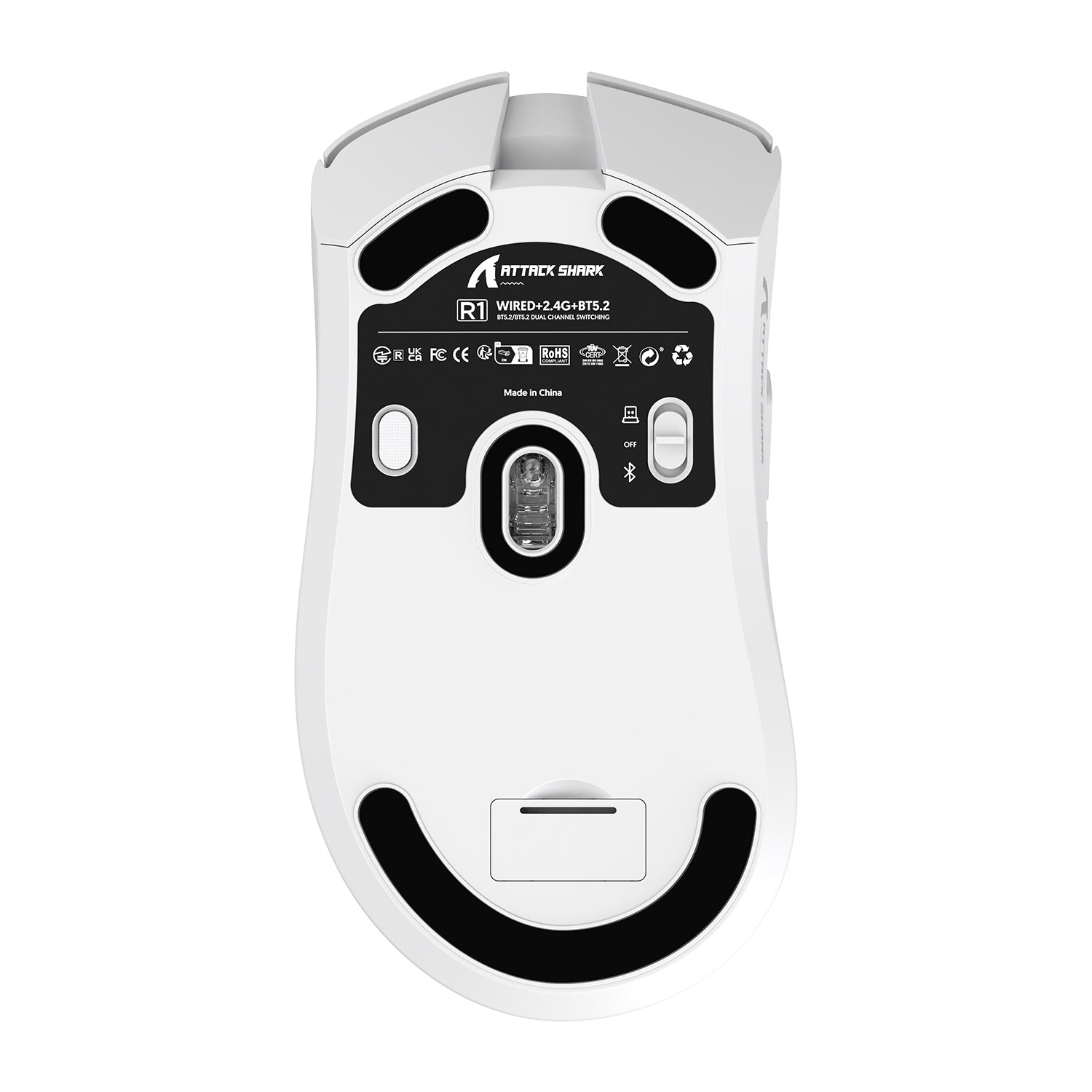
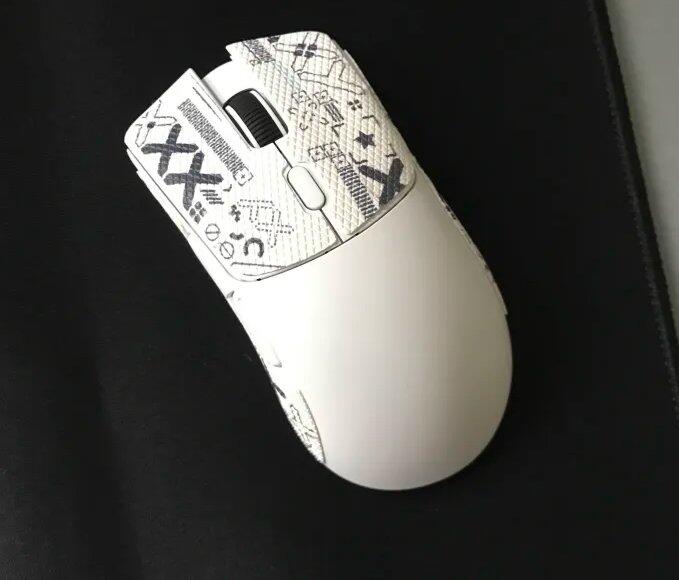
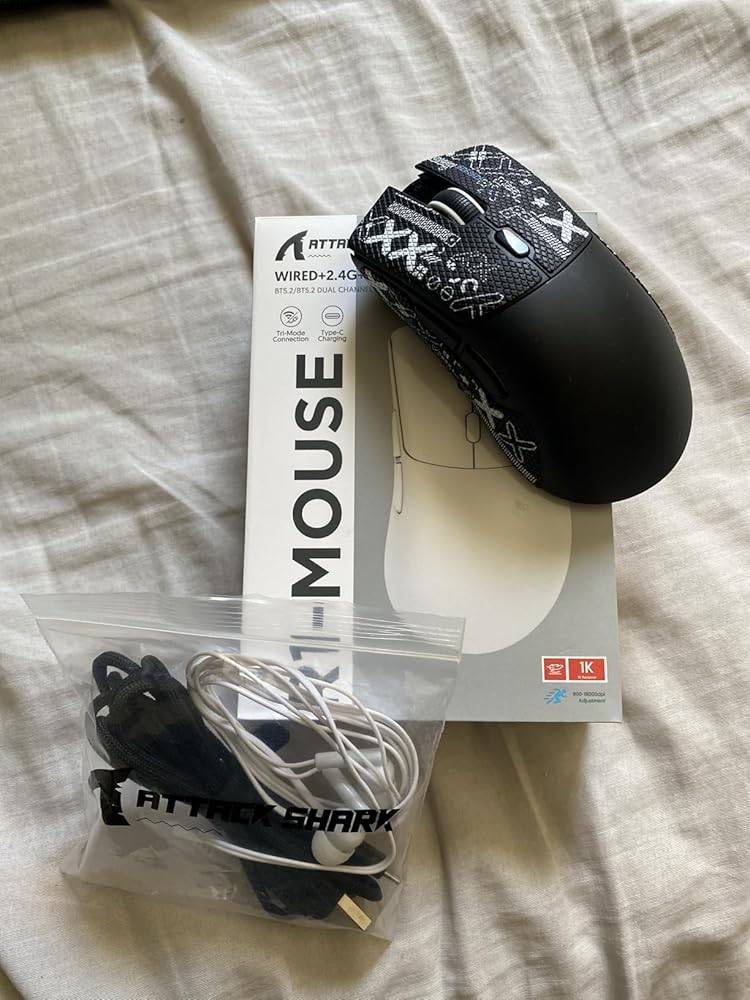
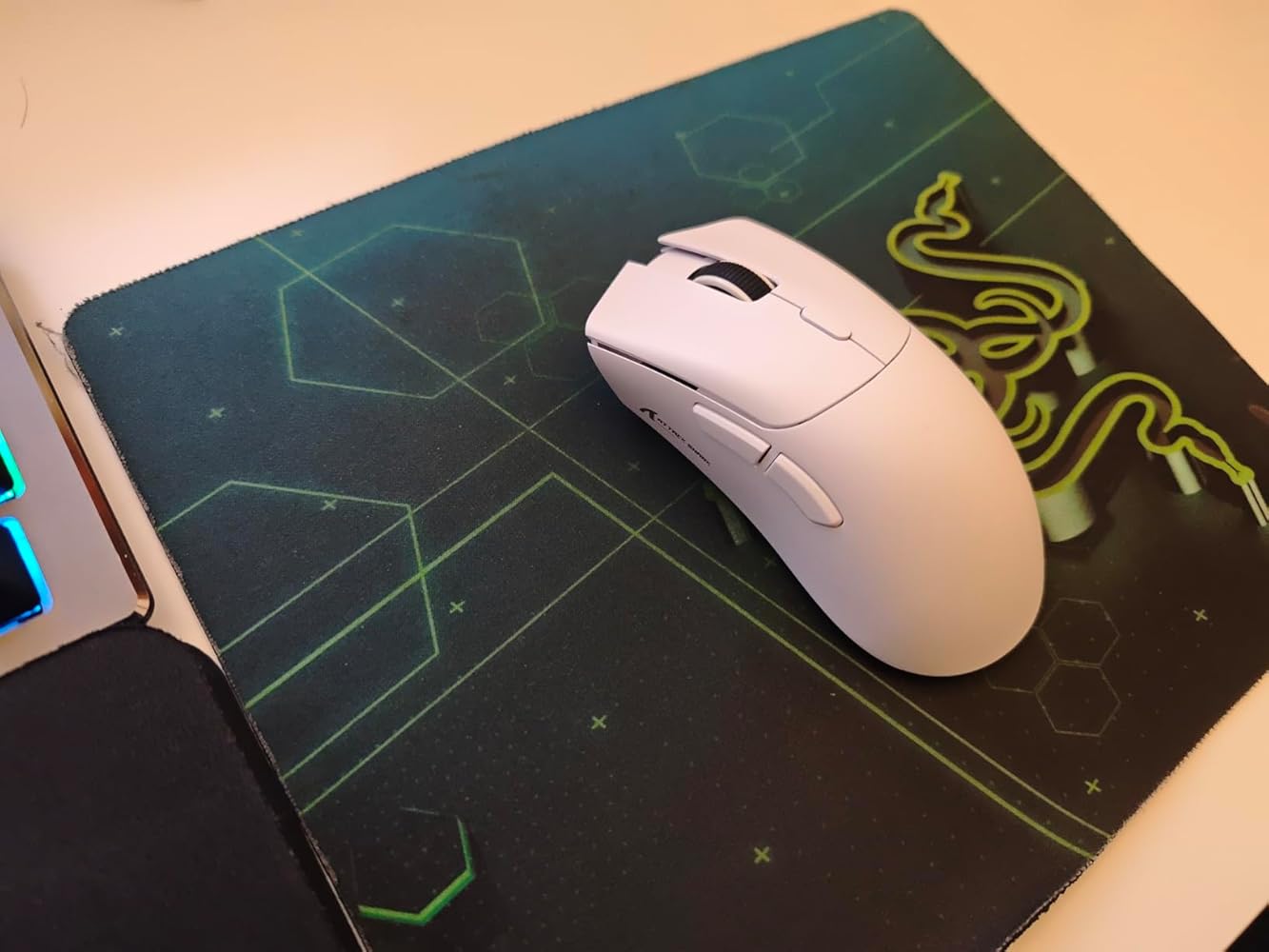
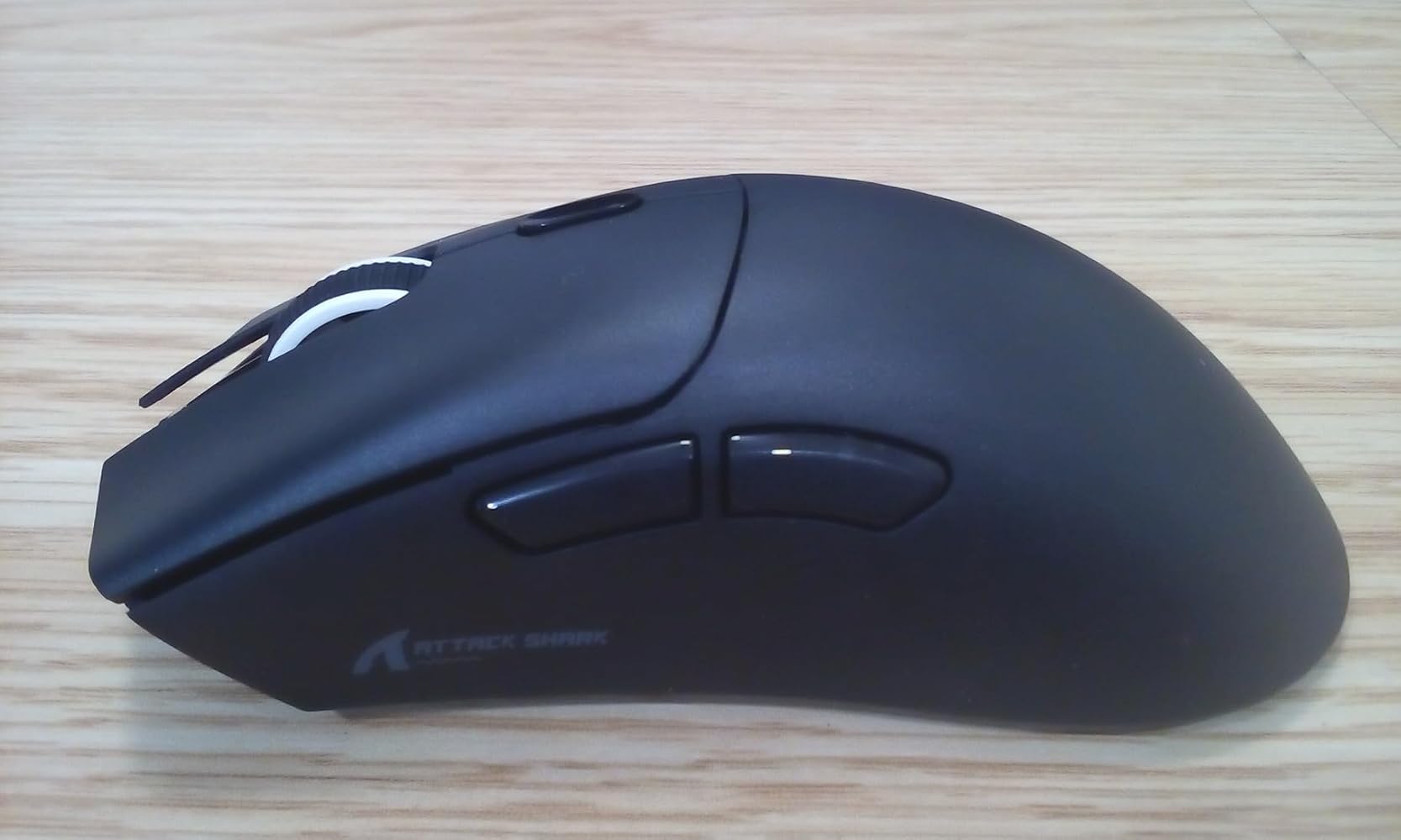
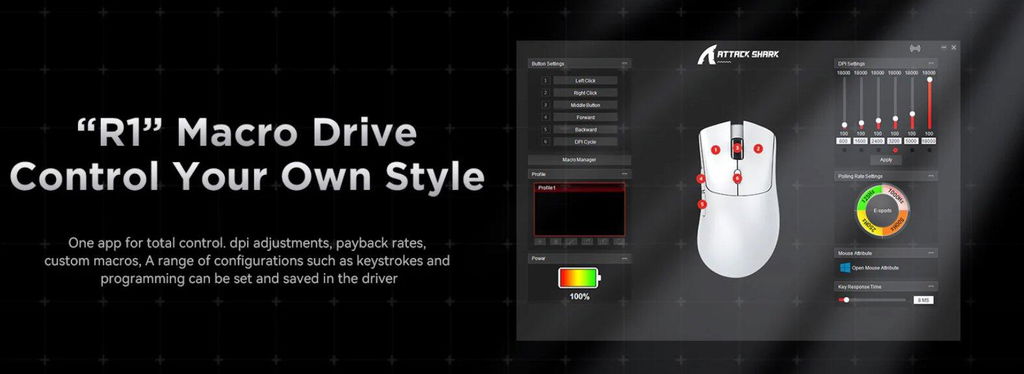
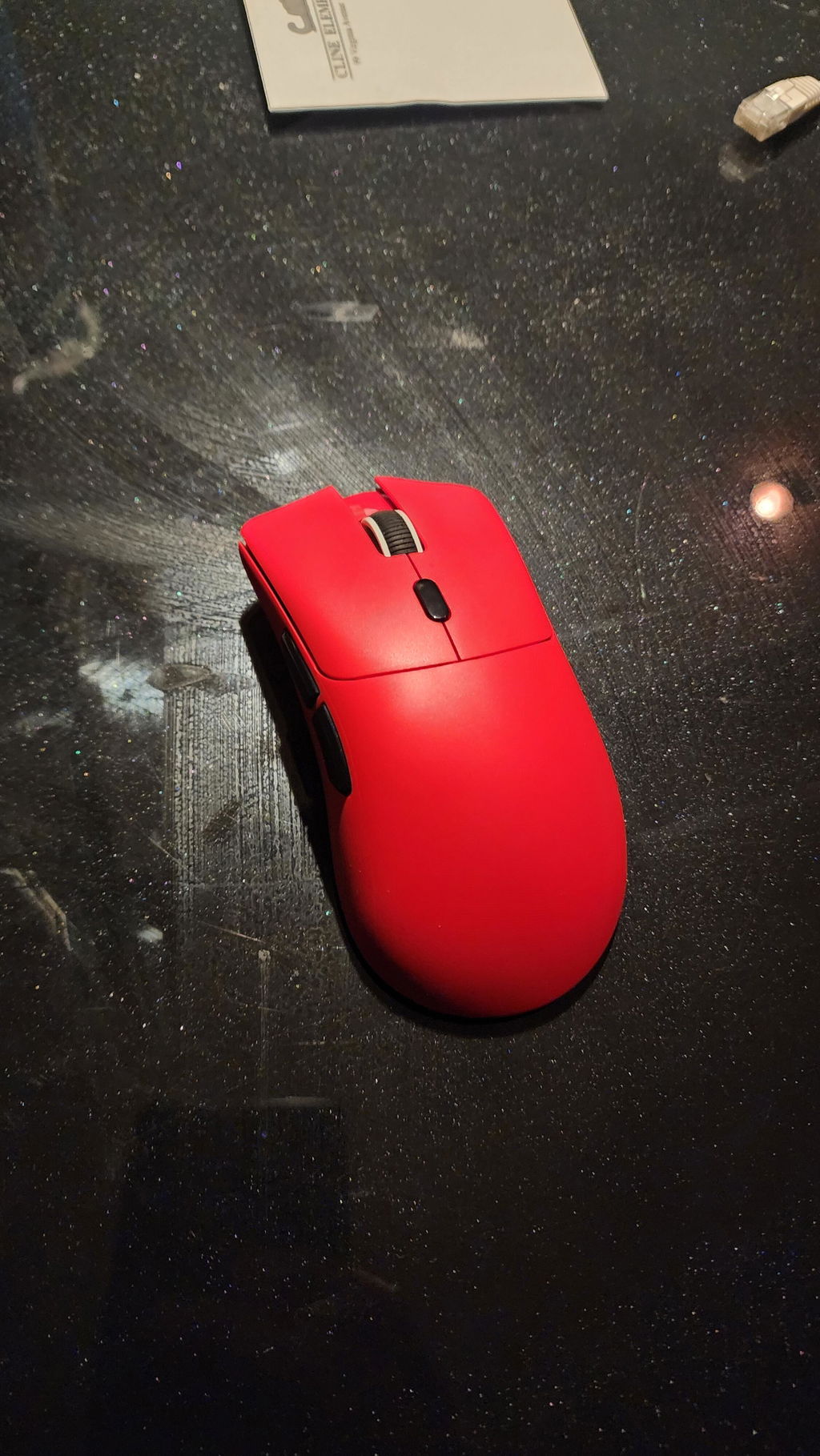
The MAMBASNAKE ATTACK SHARK R1 comes in a nice fairly small glossy box with pictures of the mouse on both the front and back, along with nice braided USB-A to USB-C cable, and a small fold out manual of which 4 pages are in English. Unlike a lot of gaming mice, a pdf of the manual along with the software can be found rather easily at the website with not much effort by doing a search for "attackshark" (one word). In the manual I got a kick out of one of the translations under the Precautions section which read "Violence against pressing the mouse is prohibited." OK, I promise I won't hurt the mouse! Lol. It can connect wired over USB, 2.4 GHz dongle or Bluetooth.Buttons and Ergonomics: The mouse is for right-handed use only, slants ever so slightly to the left, fits perfectly in my small hands, and even without the mouse grips attached, is one of the most comfortable mice I have ever used. Attaching the mouse grips makes it even better. The left and right mouse buttons are clicky but not noisy and very easy to use. The mouse wheel moves easily, however the mouse wheel button requires just a bit of effort to push. In what may be a first for me, the forward and back buttons are very quiet compared to most mice and might even be less clicky than the left and right clicks. The DPI button on top is also fairly quiet as well. Overall, this is a well designed and well made mouse. Over the course of an 8 hour day, I found the mouse very comfortable to use.Battery: The battery is 300 mAh, which seems a bit on the low side, but they claim the mouse has 65 hours of battery life. Seeing as it has no RGB lighting I can see how that might be the case. In the software the battery level indicator is large and hard to miss. There is nothing in the manual that indicates whether or not you get a low battery warning by a flashing red light or something, so I guess the mouse will just stop working.DPI Levels: You change DPI levels by using the button directly below the mouse wheel.SOFTWARE: The software is some of the easiest to understand and use of any mouse I have reviewed.Color levels - In the software about the only thing missing is the option to change the color of each DPI level. You have 6 fixed levels, and the colors are red, green, blue, yellow, cyan and purple, in that order.DPI Levels - The 6 default DPI settings are just a bit odd at 800/1500/2400/3200/5000/18000, but each level can be adjusted to your liking anywhere from 100 to 18000.Gaming Profiles: There is an easy to under section which lets you add as many profiles as you wish.Polling rates: It has 4 polling rates, 125 Hz, 250 Hz, 500 Hz, and 1000 Hz.Sleep Mode: The translation in the manual is a bit hard to understand on sleep mode, but it appears you can wake it from "shallow sleep" mode by moving the mouse and from "deep sleep" mode by clicking a button on the mouse. In the software under the "Power Management" section you can adjust "Sleep Time" from 0.5 minutes (default) to 30 minutes, and "Deep Sleep Time" from 1 minute to 60 minutes with 10 minutes as the default.MAMBASNAKE ATTACK SHARK R1 - $35.99Size/Shape: 4.9 x 2.5 x 1.6 inches6 DPI levels 800/1500/2400/3200/5000/180004 polling rates 125 Hz, 250 Hz, 500 Hz, 1000 HzWeight: 60g (62g with mouse tape applied)Battery: 300 mAh1 year warrantyNegatives:The software has no DPI color option for each level. The mouse wheel click takes just a bit too much effort to use. Mouse skates on the bottom may be a tad on the skimpy side.Positives:Lightweight, relatively quiet clicks for all buttons, 6 DPI levels up to 18000, 4 polling rates, very ergonomic and comfortable to use for long periods, mouse wheel easy to useThe MAMBASNAKE ATTACK SHARK R1 is a very nice mouse for the desktop and an outstanding value in a gaming mouse especially with its high DPI and mouse tape it comes with.. I love all the new lightweight mice options and I am now really torn between my E-Yooso X-44, the SOLAKAKA SM802 (despite its software and RGB issues) and this mouse. There is no real problem I can find with the mouse or its software, and though some may find it a bit high priced I disagree. It definitely can compete with more expensive mice from Logitech and others. 5 stars.